This post is also available in:
 Deutsch (German)
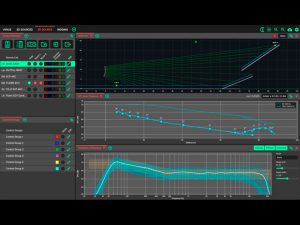
Accurately simulate CODA Audio Loudspeakers in any 3D Scene with unmatched precision and speed. The System Optimiser is now available as a native macOS / Windows / Linux application for registered users.
Please read all supporting documentation prior to commencing any updates on your system.
To register your interest and join the current version, please visit the link below:
Download Current Version
Online Manual
New Release 05.11.2026
System Optimiser v1.2.0 what’s new …
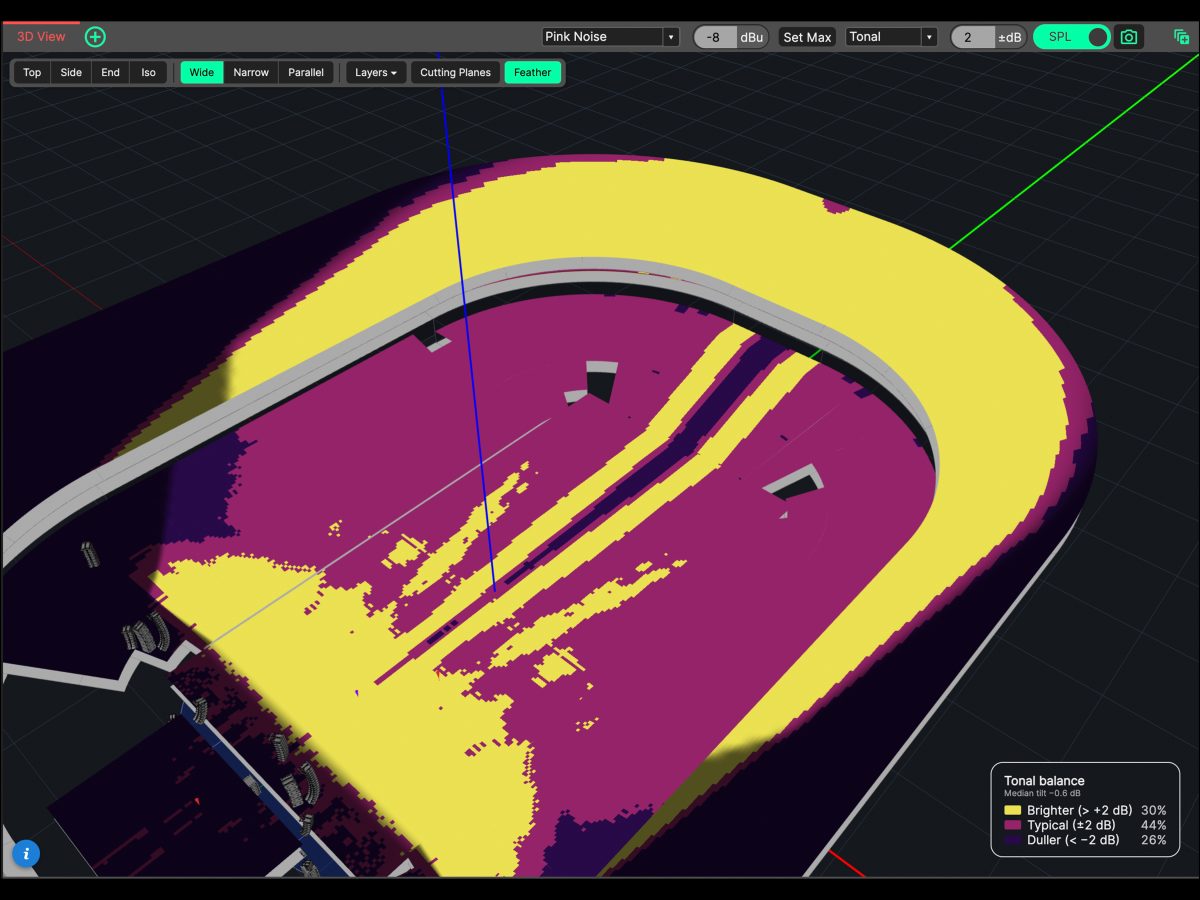
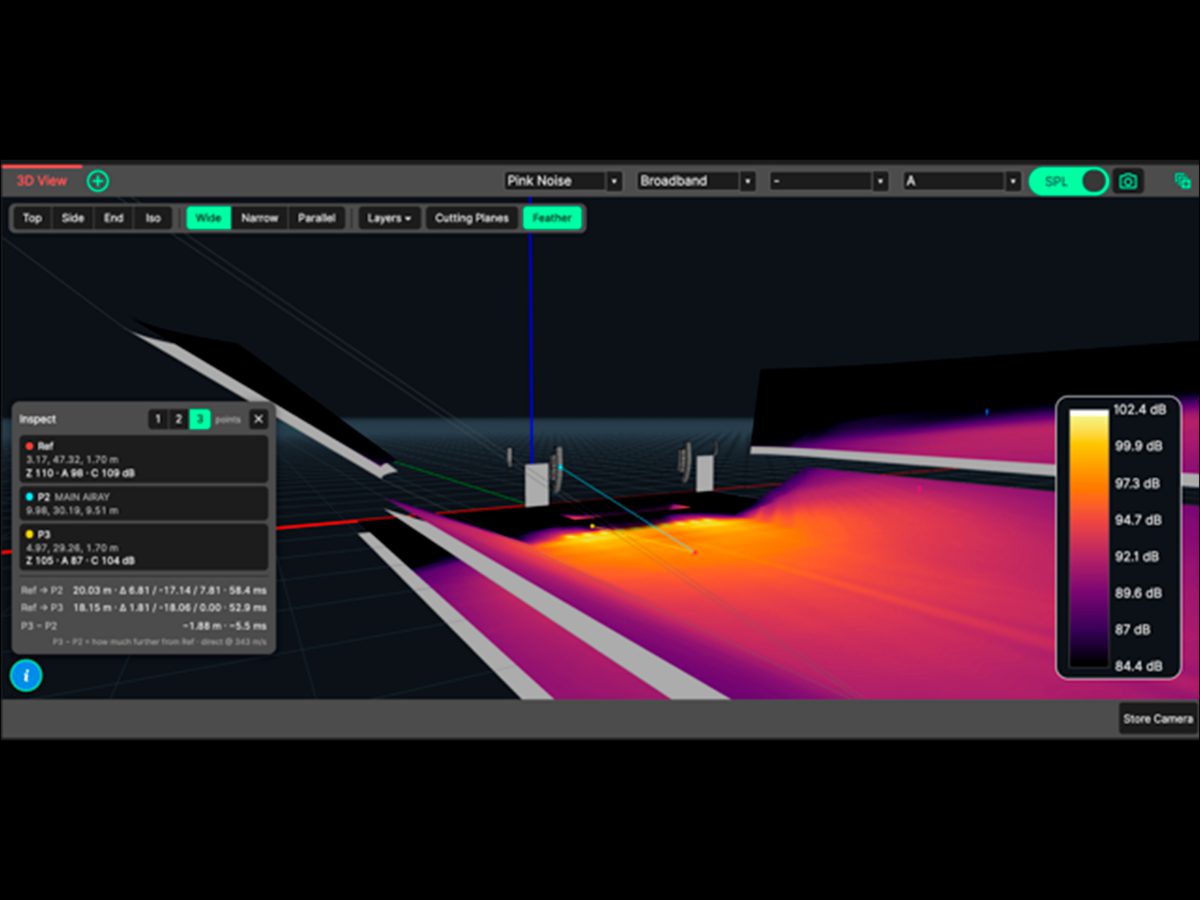
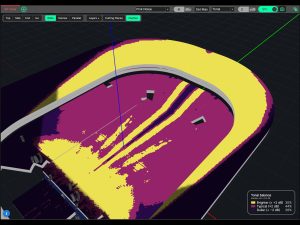
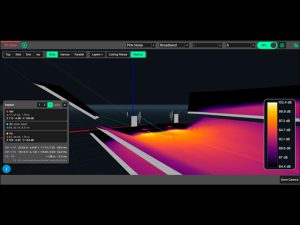
- Tonal Mapping: Evaluate spectral consistency across an audience in an instant. The new 3D heatmap mode benchmarks coverage against the venue median, clearly identifying areas that are brighter, typical, or duller, delivering an even tonal balance everywhere.
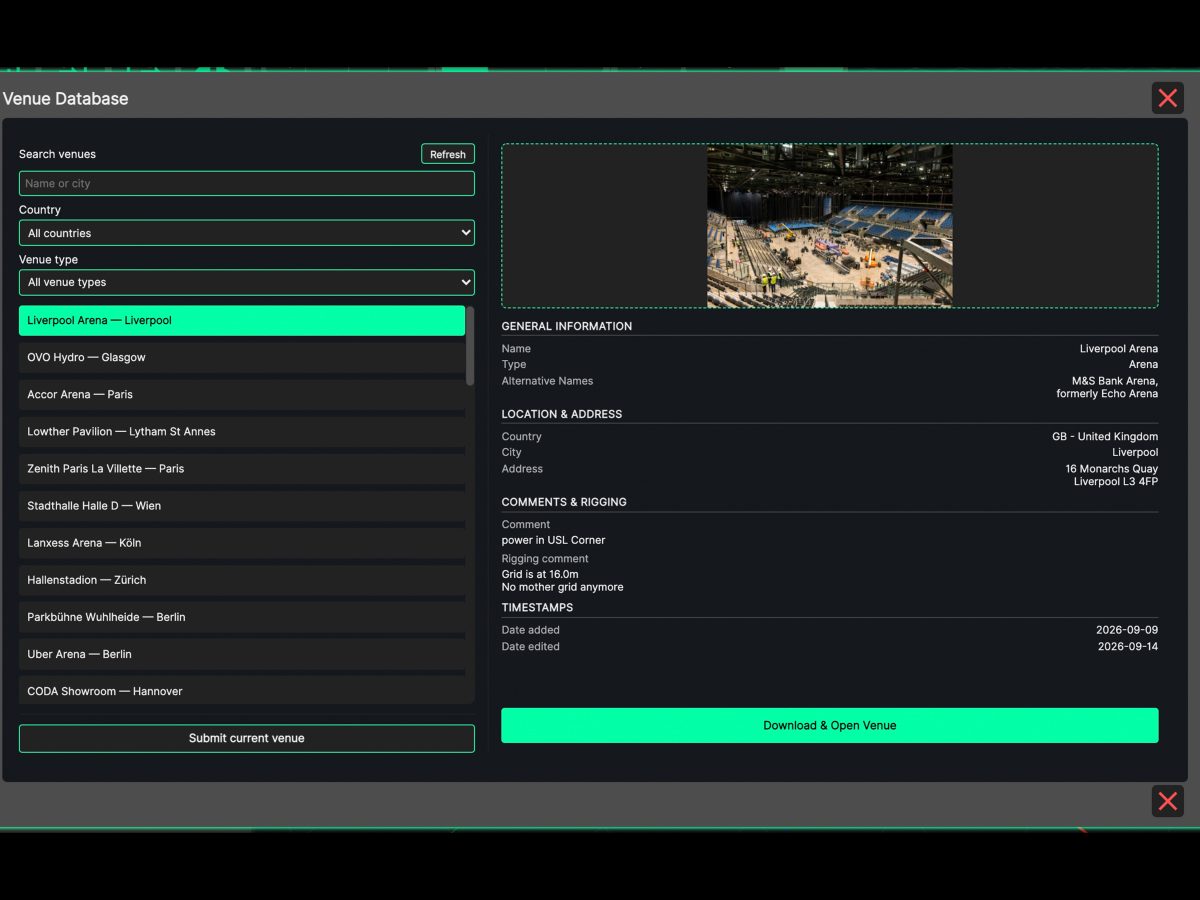
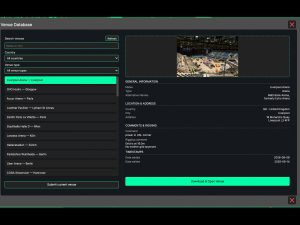
- Integrated Venue Database: Save time on venue design. Browse, search, and download user-submitted venue models directly within the app, or share your own designs with the global community.
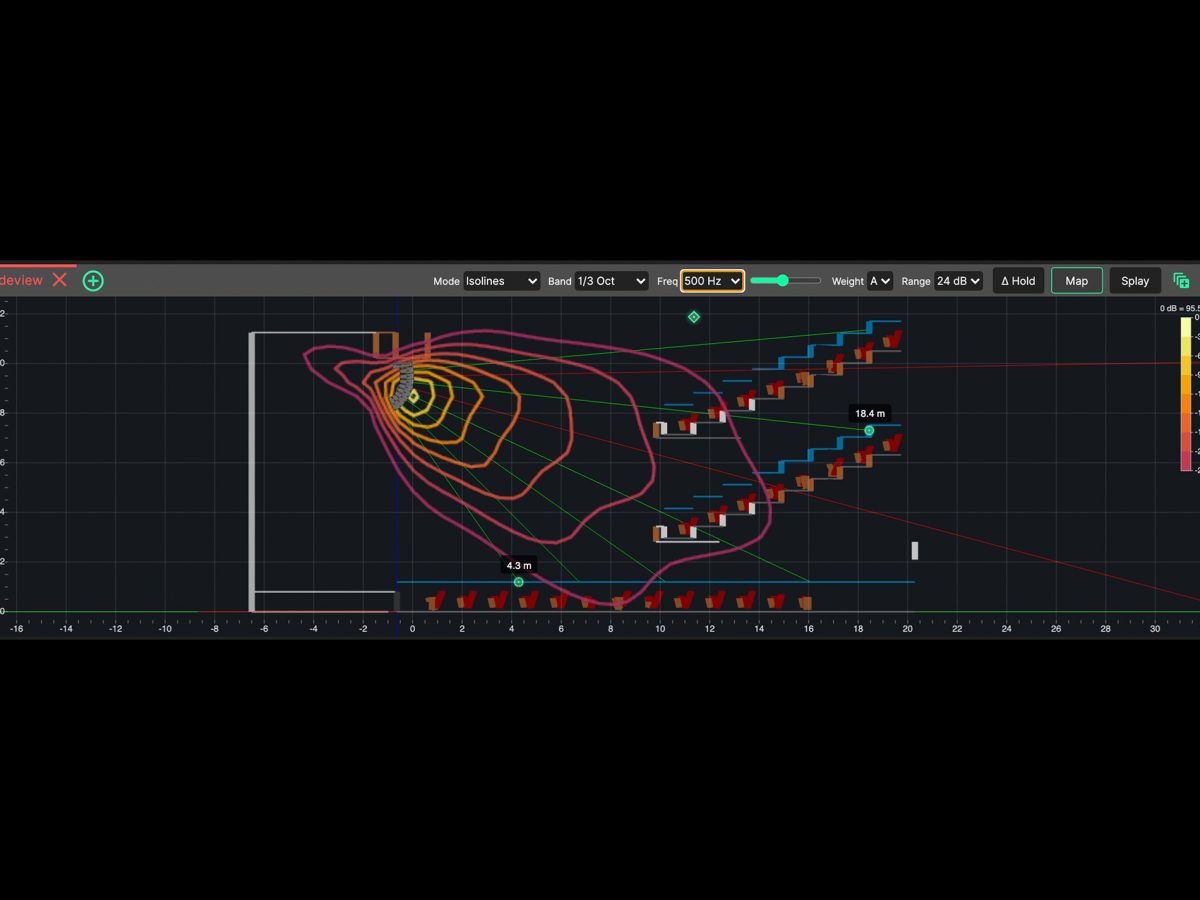
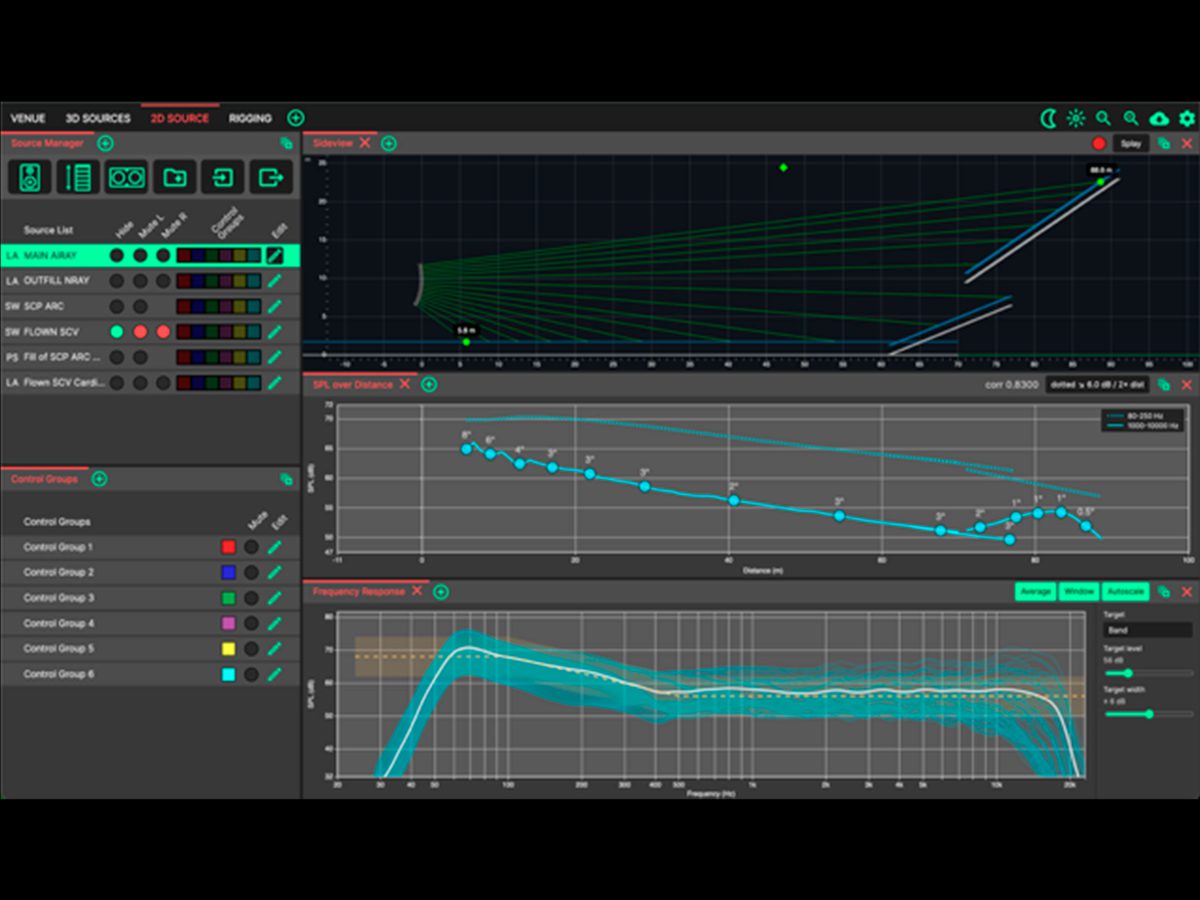
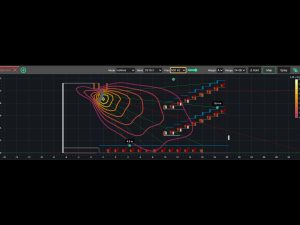
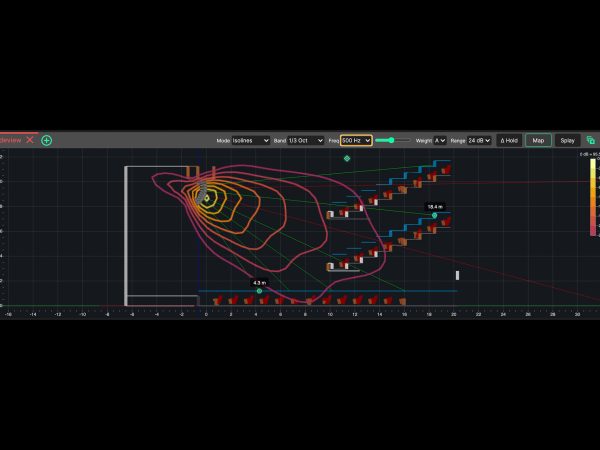
- Vertical SPL Mapping in Sideview: Gain deeper insights into array behavior in the vertical plane. Visualize heatmaps, isolines, or attenuation, directly in Sideview, complete with a frequency sweep slider and Hold feature to make instant before-and-after comparisons.
- Redesigned Maximum SPL & Headroom Analysis: Stimulus controls are now centralised in the 3D View header alongside a new ‘Set Max’ button to drive the system to its limit instantly. The dedicated Headroom panel now focuses purely on clear, actionable max SPL analysis.
- Fixes and Improvements:
- ADDED: Tonal Mapping – a new mode for the 3D View’s heat map that shows how consistent the tonal balance is across the audience, marking every area as brighter, typical or duller than the venue’s median.
- ADDED: Integrated Venue Database for sharing venue data – browse, search, and download venues drawn by other users, and submit your own.
- ADDED: Vertical SPL mapping in the Sideview – Heatmap, Isolines, or Attenuation of the array’s coverage in the vertical plane, incorporating a frequency sweep slider and hold to compare before and after a change.
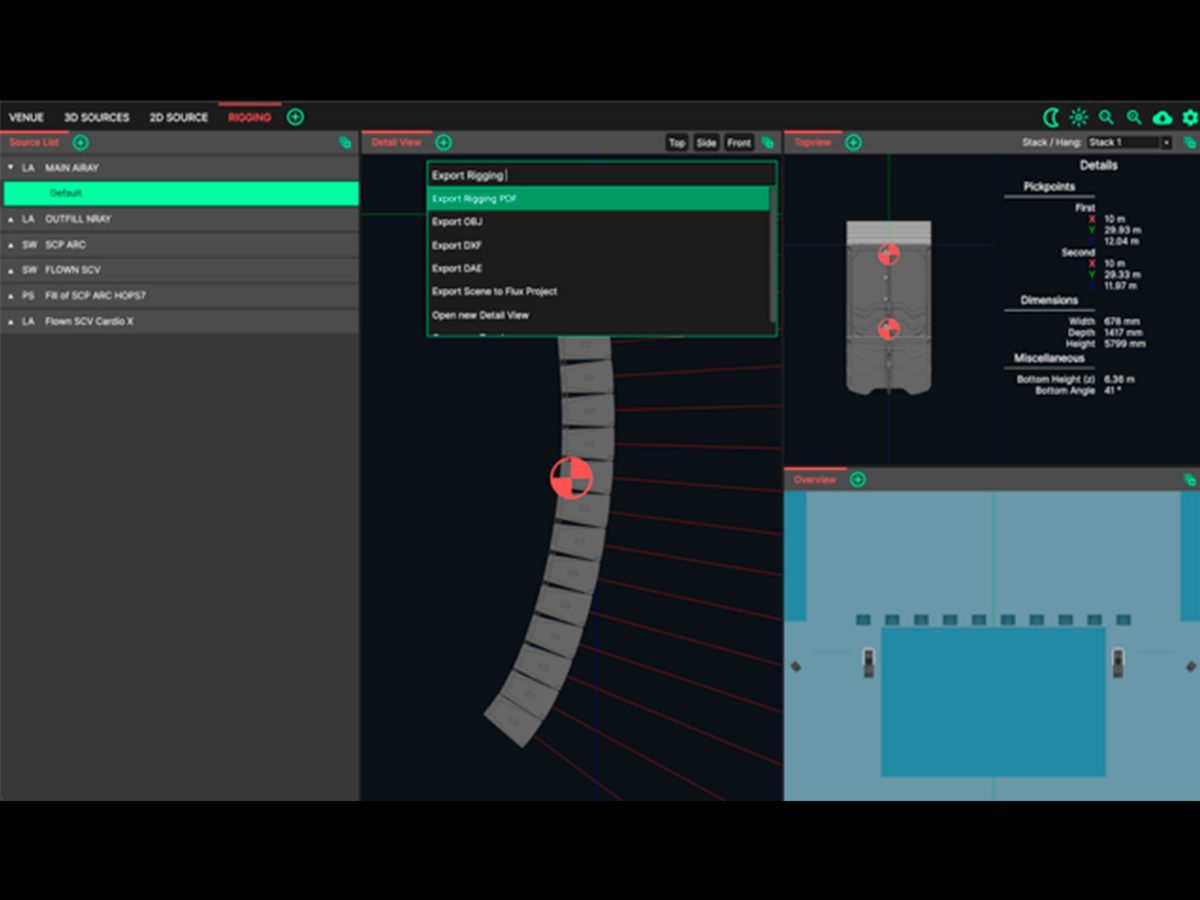
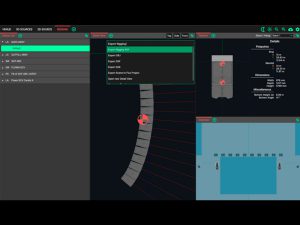
- ADDED: Exports can be accessed from the new ‘Export’ menu in the native menu bar.
- ADDED: Optional third (dashed) line in the SPL over Distance panel, and a weighting choice for broadband line.
- ADDED: Group mute in the Source Manager – mute every source in a group at once, without changing the sources’ own mute setting.
- ADDED: ‘Set Max’ button in the 3D View header sets the stimulus level to the maximum the system can take.
- ADDED: Cutting planes are saved with the project.
- ADDED: Venue country is now chosen from a list in the Venue Settings.
- FIXED: Aim Discs and Feather for asymmetric dispersion variants.
- FIXED: Feather could sometimes draw stripes on Vertical Arrays of APS.
- FIXED: Aim Discs were drawn through transparent surfaces and ignored the cutting planes.
- FIXED: Performance improvements for the 3D view.
- FIXED: Importing very large venues could stall when switching tabs.
- FIXED: Conversion to user-selected units in more panels (Rigging, Source Editor)
- FIXED: Custom views can have multiple 3D views with different mappings
- FIXED: Clicking view presets in the 3D view could inadvertently select random layers.
- FIXED: The Inspect tool could read a different band from the one shown in the 3D View.
- FIXED: Crashes when toggling the Laser, or when editing sources with SPL mapping on.
- CHANGED: MaxSPL settings are now linked to the Stimulus settings and the MaxSPL panel has been redesigned: the stimulus and its level are set in the 3D View header, and the Maximum SPL / Headroom panel is now dedicated to headroom analysis. Auto mode has been removed – projects saved in Auto mode open at their maximum level, in manual mode.
- CHANGED: Throwlines can be enabled in settings again – Show Aim As chooses Aim Discs, Throw Lines or both.
- CHANGED: Layer and Source editor are stand-alone panels now rather than modal popup windows – Edit Source and Edit Layer follow the selection, and the edit pencils have been removed from the Source and Layer Manager lists.
- CHANGED: Laser is now independent of Throwlines.
- CHANGED: Cutting planes now apply to every 3D View at once.
- CHANGED: More information in Rigging Details panel: site angle, pickpoint weights and total weight
- CHANGED: Clicking the empty space in the Layer Manager clears the selection.
- CHANGED: Rigging PDF is now compressed to reduce file size.
- CHANGED: In the Rigging PDF the order of subwoofers in the stack now matches their physical order.
- CHANGED: System Optimiser checks for updates when it starts, and shows a notification when a new version is available.
CODA System Optimiser V1.2.0
Design all sizes of audio system from the smallest of gatherings right up to the largest of stadium productions with incredible ease. Creating proposals for clients? SPL Pressure mapping is presented to you in incredible detail, with a strong sense of reality. Pushed for time? Workflow is tantamount to accuracy and with this in mind, bespoke tools are provided to fully enable the system designer.
Accuracy
Computationally intensive operations have been highly optimised to deliver results in seconds, not minutes – call it ‘mathemagic’… Predictions are wholly based on real-world electro-acoustic measurements, heavily utilising multifaceted multipole expansions. A highly complex atmospheric model is employed; taking temperature, dewpoint, humidity and altitude into account. Complex response functions are morphed using cutting edge continuous phase techniques, the end result being authentic free-field predictions indistinguishable from reality.
Power
Clever tools are included to create complex designs effortlessly. Use the layout tool to place loudspeakers in a multitude of shapes and arrangements. The template engine is an incredibly powerful way of managing entities within the layout system. Measurement microphones can be placed anywhere within the 3D scene. Probes are a smart extension of the measurement microphones that make choosing line array angles stress-free. Link Groups define how line arrays are connected, and allow electronic filters to be applied to correct for distance and splay angle.