
Next generation remote control








This post is also available in:
 Deutsch (German)
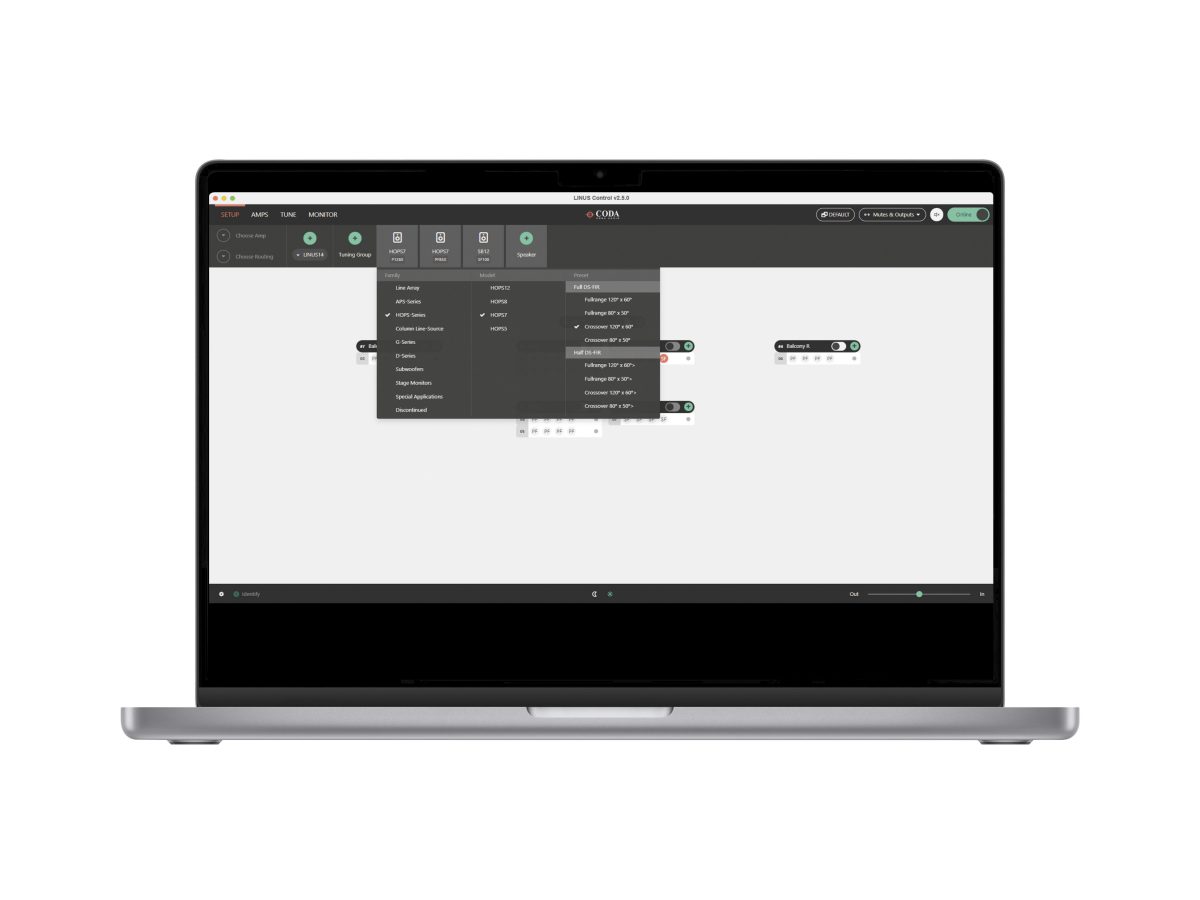
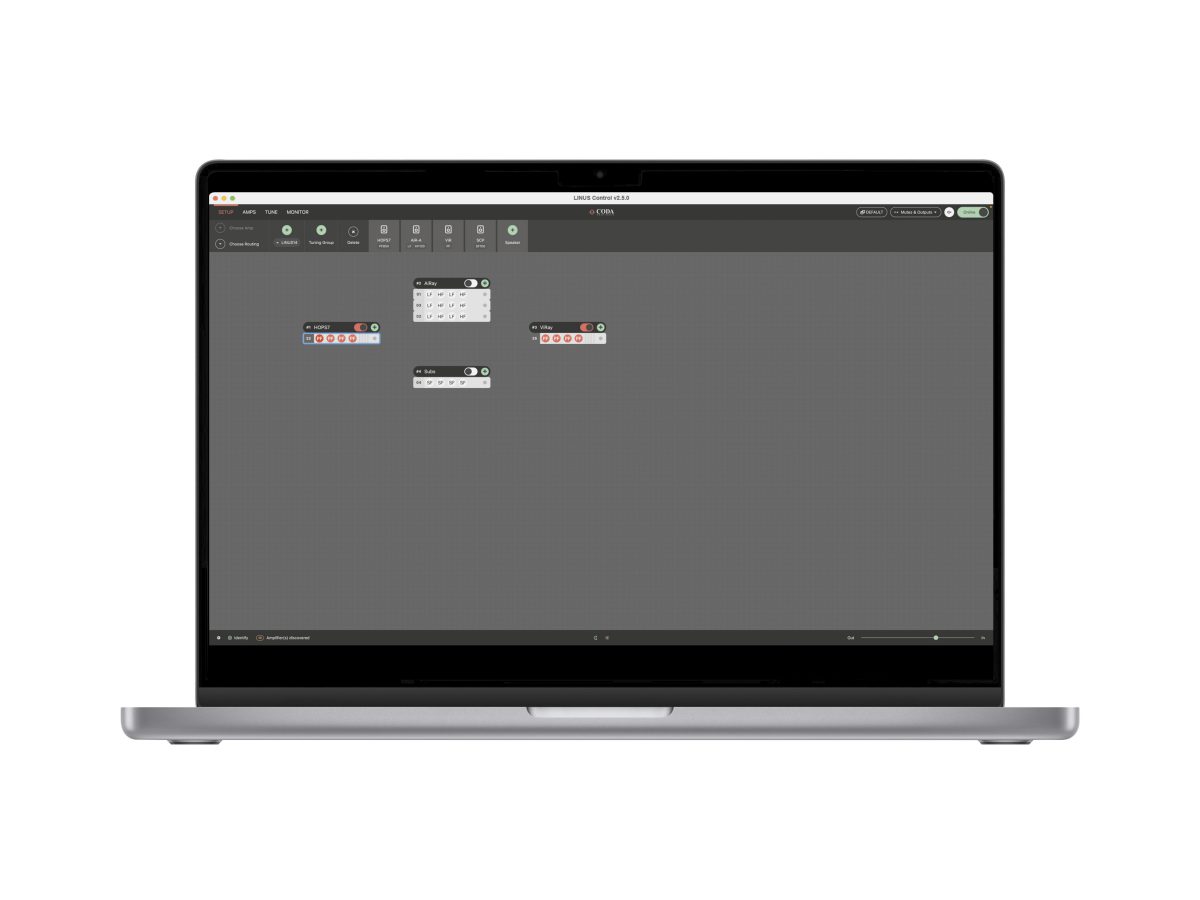
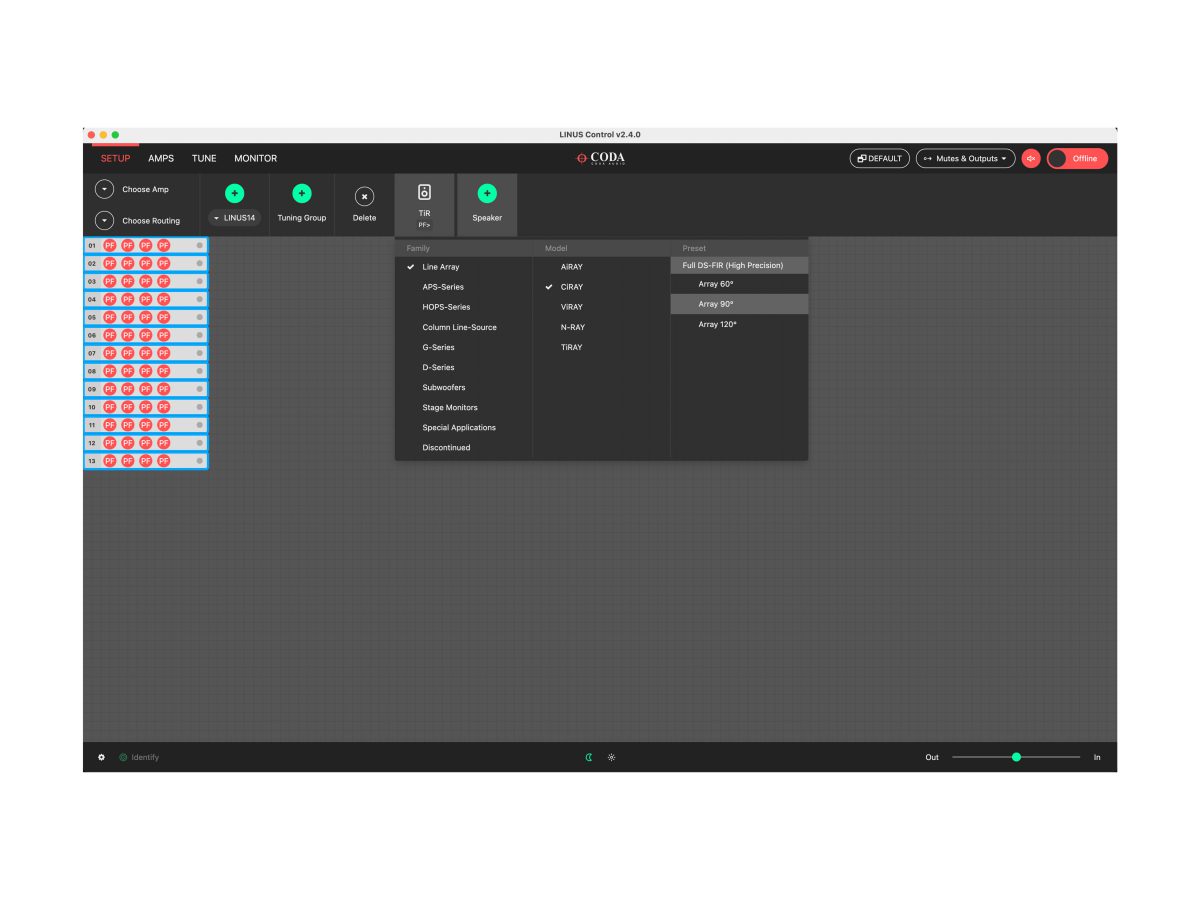
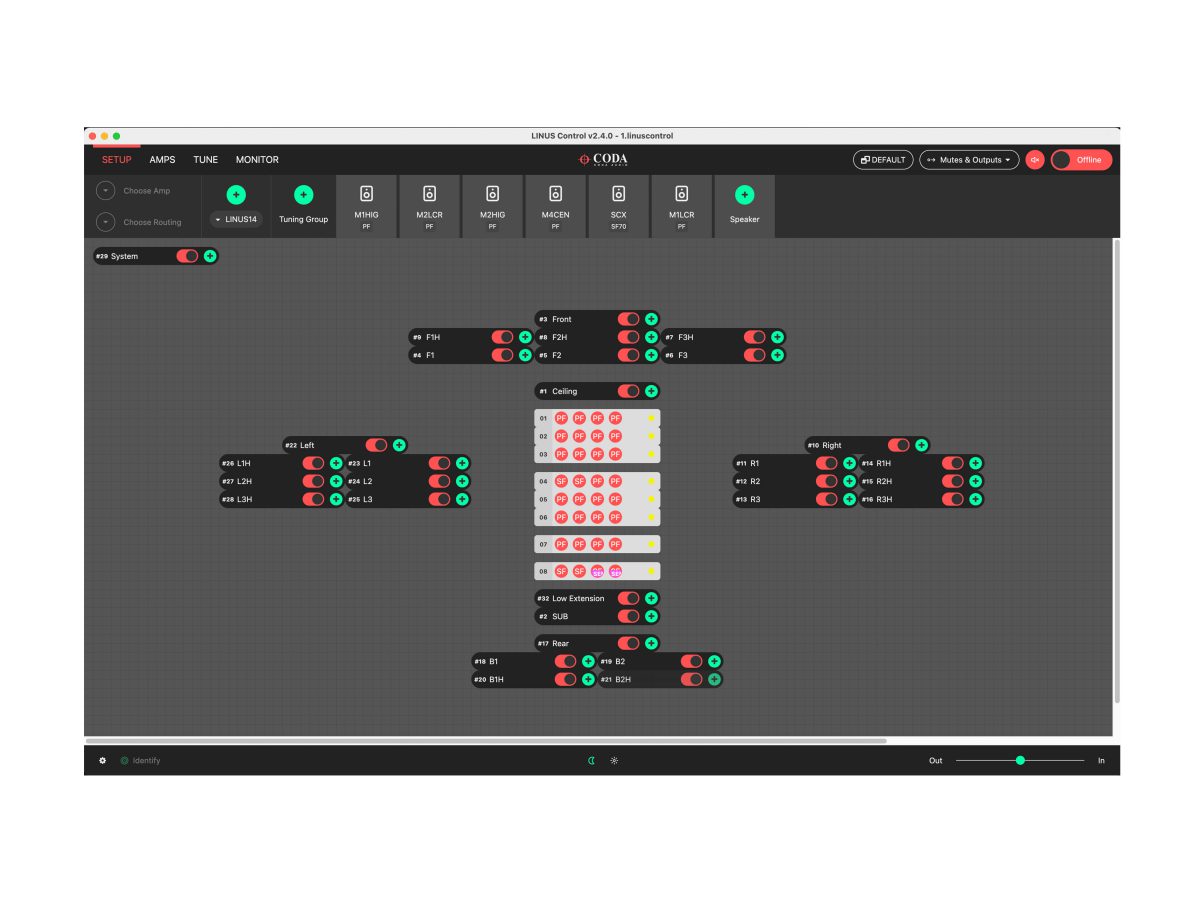
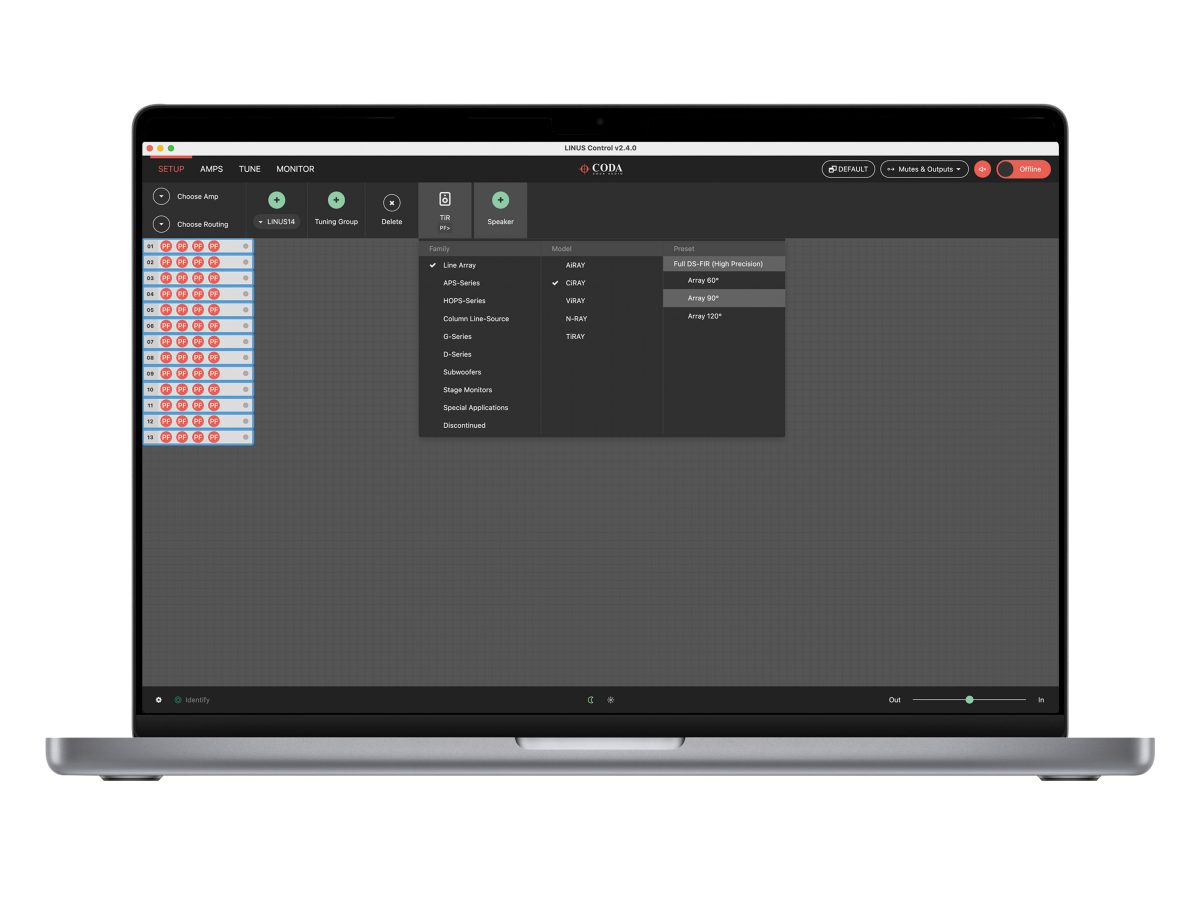
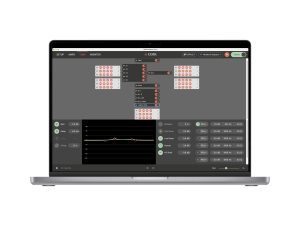
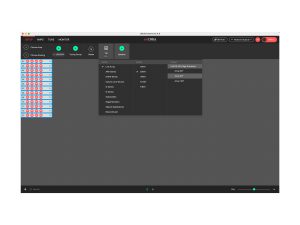
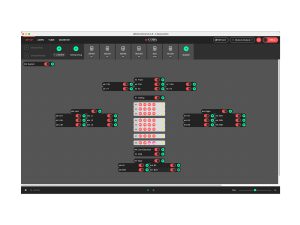
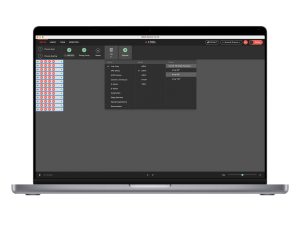
The LINUS Control application provides a reliable and ruggedized method for the control and monitoring of the CODA LINUS amplification platform. It is optimised for both Mac OSX and Windows, for both tablet and native interfaces. Bundled in the application behind the scenes is the device Firmware, Speaker Files, Control Logic and a 3rd Party UDP Control protocol that will allow for offline remote control of LINUS amplifiers from 3rd Party Devices.
New Features:
1.1 New amplifiers: LINUS V1804 and LINUS V908
The new amplifier models LINUS V1804 and LINUS V908 are now available in LINUS Control
1.2 New Speakers: ViFORCE and SUB FORCE 35
The new cardioid line array ViFORCE and the matching cardioid subwoofer SUB FORCE 35 are now available in LINUS Control
1.3 New Tuning View
LINUS Control now shows the sum of all tuning applied to a speaker, when selecting an amplifier on the Tune page
1.4 Preset Change Behaviour
When changing presets LINUS Control now asks whether assigned tuning should be kept or bypassed
1.5 Flexible Dante Routing
LINUS Control now supports flexible Dante routing and summing of Dante channels
1.6 Additional Minimum Latency Presets
Additional Minimum Latency presets for CiRAY, ViRAY, APS-Pro, HOPS10-Pro, CUE ONE, CUE TWO, CUE FOUR
1.7 Improved Metering
Input meters on the Monitor page now show headroom regardless of input type
The Monitor page now shows only one input & output meter for bridged channel pairs
1.8 Minor Changes
Added: The Amps page now shows the amplifier’s serial number
Added: Error reporting for LINUS6.4 and LINUS V amps
Added: Alt + Click shortcut to patch routing diagonally
Fixed: LINUS Control now locks LINUS6.4 and LINUS V amps correctly with Hardware & Unit lock
Fixed: Changing the fallback routing would try to recover the primary signal
Fixed: The speaker list did not show the selected speaker when a previous selection was aborted
Fixed: The grid on the setup page had gaps depending on zoom level
Changed: The ‘Add Speaker’ Button on the setup page now stays visible on the left for easy access in large projects
The latest version of LINUS Control is v2.9.5 released on April 3rd 2026.
Please read all supporting documentation prior to commencing any updates on your system.
To download the software, please click the button below.
Download Current Version
Online Manual
| File | Action |
|---|---|
| LINUS Control v2.9.4 Known Issues.pdf | Download |
| LINUS Control v2.9.4 Loudspeaker File List.pdf | Download |
| LINUS Control v2.9.4 APS PRO Preset Guide.pdf | Download |
| LINUS Control v2.9.4 Linus 6.4 App.pdf | Download |
| LINUS Control v2.9.4 New Features.pdf | Download |
| LINUS Control v2.9.4 Operation Manual.pdf | Download |
| LINUS Control v2.9.4 Third Party Control.pdf | Download |
| LINUS Control v2.9.4 Third Party Control for LINUS6.4.pdf | Download |
| LINUS Control v2.9.4 Update Procedure.pdf | Download |
| LINUS Control v2.9.4 Time Alignment.pdf | Download |
| LINUS Control v2.9.4 Change Log.pdf | Download |
| LINUS12C Firmware Tool | Download |
| LINUS10 Firmware Tool | Download |
| LINUS14 Firmware Tool | Download |
Older versions of the software and associated documents and files can be found here.
